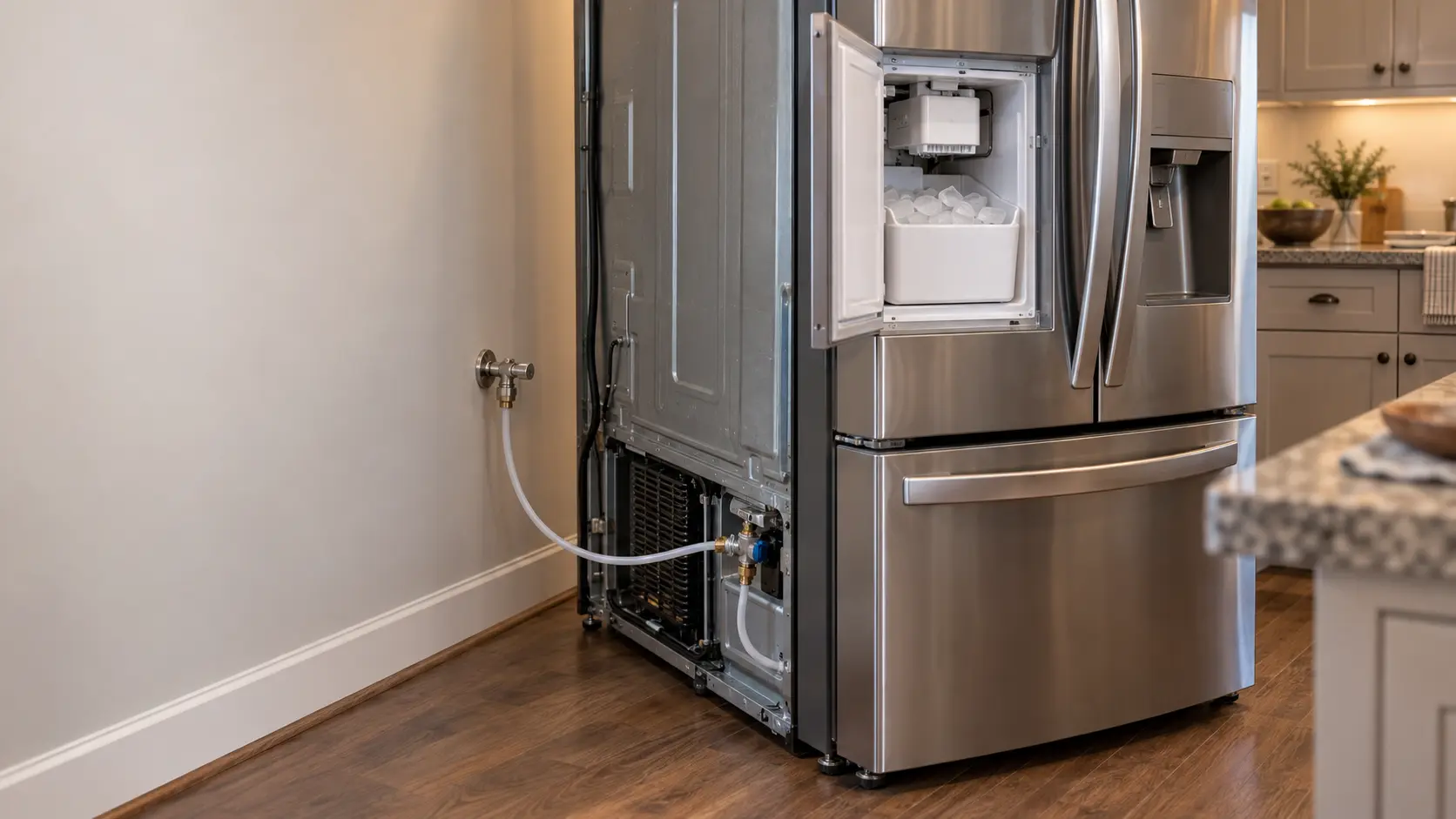
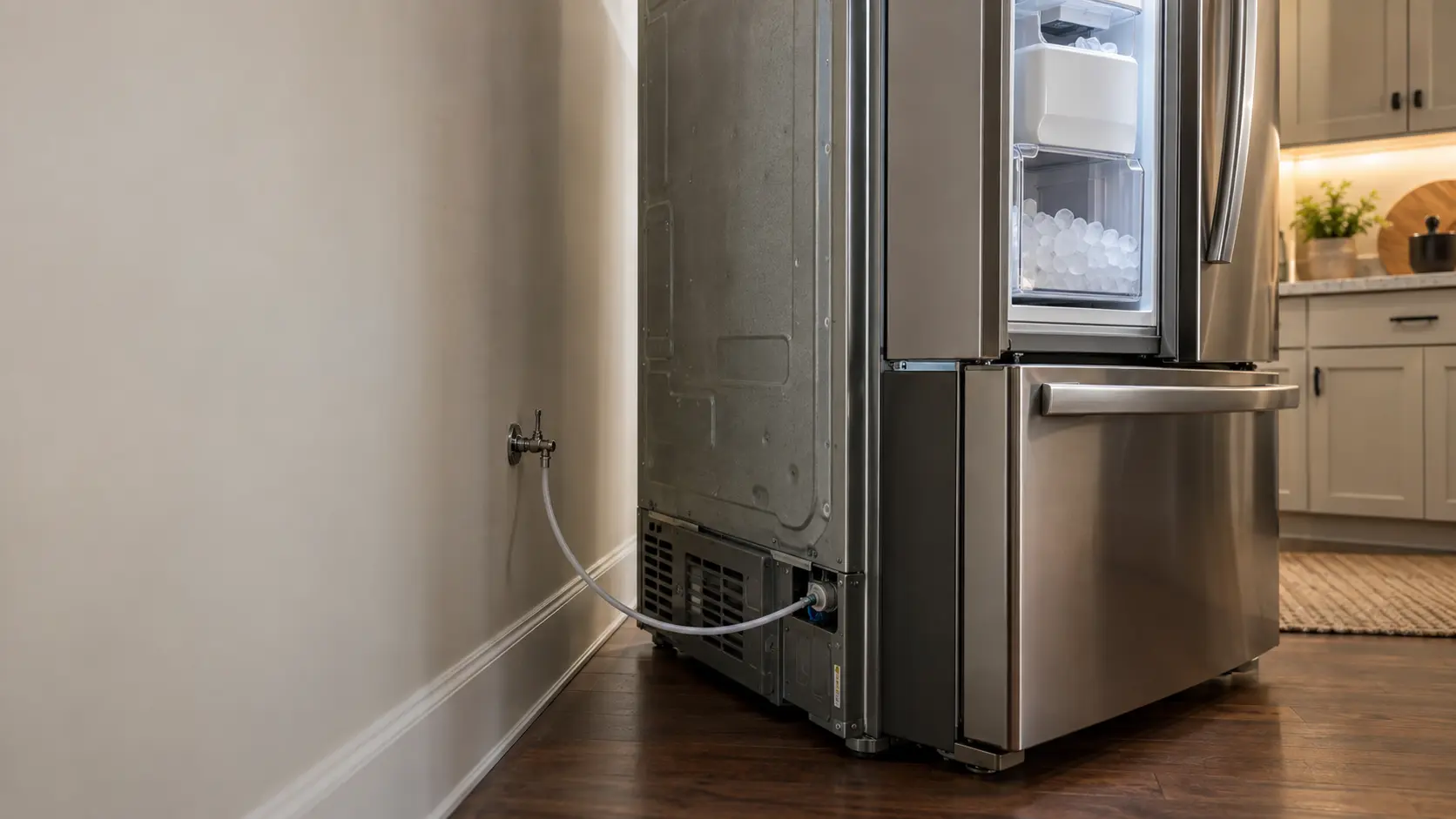

KitchenAid built-in side-by-side REPLACE FILTER message
On KitchenAid built-in side-by-side models the filter status light turns red and the display shows REPLACE FILTER and HOLD BUTTON TO RESET when a new filter is due.
Mon–Sat, 8am–8pm
- Water supply and fill
- Ice maker water inlet valve repair
- Source: KitchenAid
Book a visit
Three short steps, about a minute.
or call (844) 773-0701
Loading appointment form…
The appointment form couldn’t load. Please try again.
What REPLACE FILTER / HOLD BUTTON TO RESET
actually means.
On KitchenAid built-in side-by-side models the filter status light turns red and the display shows REPLACE FILTER and HOLD BUTTON TO RESET when a new filter is due. They stay until the filter is changed and the status is reset.
KitchenAid ice maker display · also shown as REPLACE FILTER
What to do when REPLACE FILTER / HOLD BUTTON TO RESET shows on the ice makerKind of codeWater supply and fill
The ice maker asked for water and got too little, too slowly or none at all, or water kept arriving after the fill should have ended. A closed shutoff, a kinked line, a clogged filter and low house pressure are ruled out before the water inlet valve is replaced or the fill tube is thawed. If water is on the floor, close the supply valve before reading anything on the display.
Usually leads toIce maker water inlet valve repair
The electric valve that lets water into the ice maker, tested and replaced when it will not open, opens only partway, or keeps dripping after it should have closed.
Shows up asIce Tastes or Smells Bad
The ice tastes bad or smells stale, musty, of plastic or of whatever else is in the freezer, even though a glass of tap water tastes fine.
MakeKitchenAid
KitchenAid ice maker service for the door, the freezer drawer and the water supply that feeds them.
SourceKitchenAid built-in side-by-side owner's manual W11310952A (Wayback copy, Feb 2022)
KitchenAid built-in side-by-side models (owner's manual W11310952A).
Before you book,
in this order.
Each step comes from KitchenAid's own guidance for REPLACE FILTER / HOLD BUTTON TO RESET on its ice makers. Follow it to the end: the last card says whether this is a visit.
Change the water filter.
Hold FILTER for 3 seconds; the light blinks red, turns blue and then goes off.
Dispense and discard some water to flush the new filter.
Book a visit if REPLACE FILTER remains after the reset.
Still there?
It usually turns into ice maker water inlet valve repair. Book with the code and the model number.
What not to do
REPLACE FILTER is not a leak alarm. It does not test water flow to the ice maker.
What you may
notice with it.
The ice maker problems REPLACE FILTER / HOLD BUTTON TO RESET tends to arrive with. Answer these at the ice maker before anyone is booked.
All problems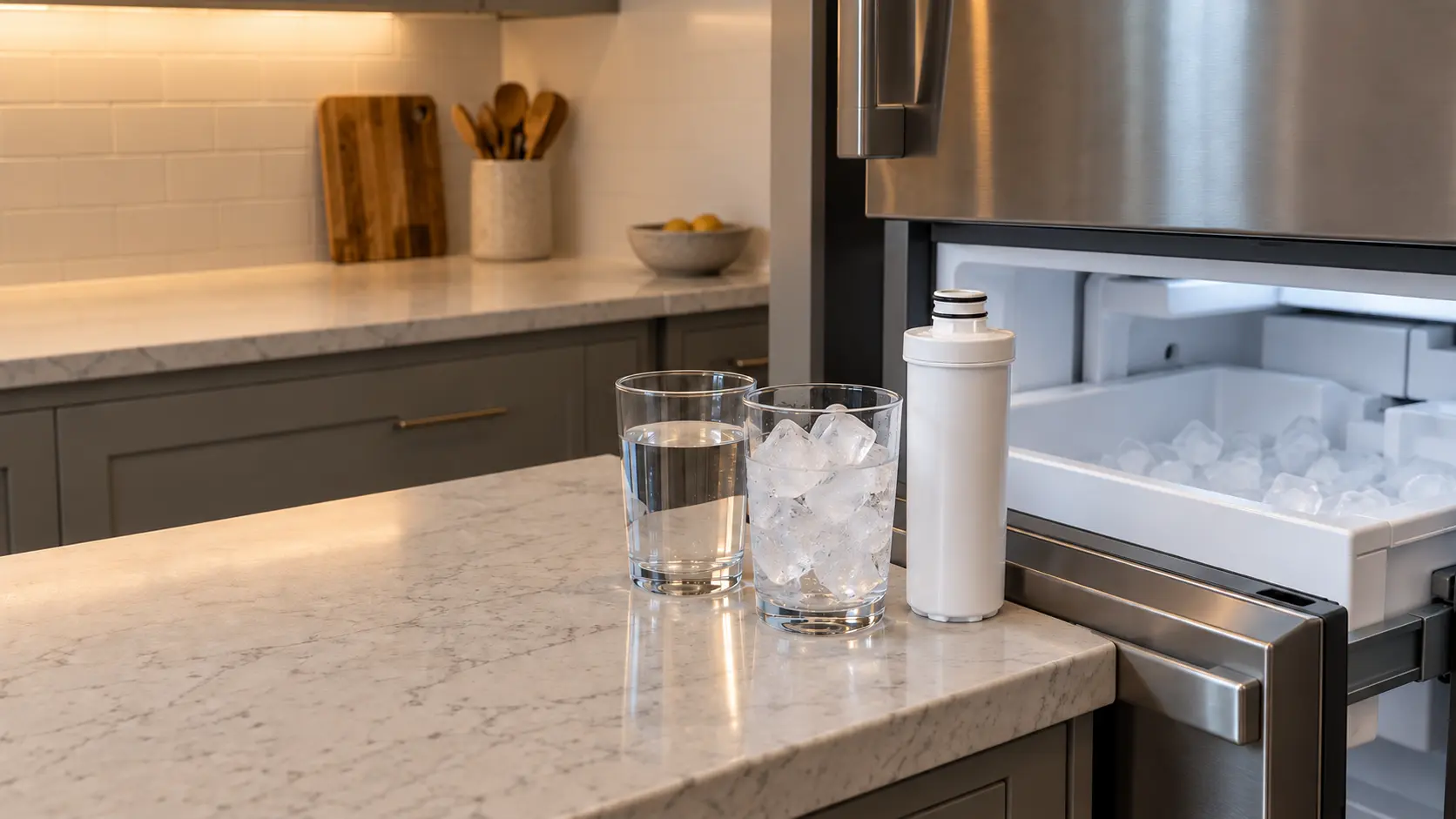
Where REPLACE FILTER / HOLD BUTTON TO RESET usually leads
Ice maker water inlet valve repair.
KitchenAid
ice makers.
KitchenAid ice maker service for the door, the freezer drawer and the water supply that feeds them.
KitchenAid ice maker repairMore KitchenAid codes
Water supply and fill on other makes
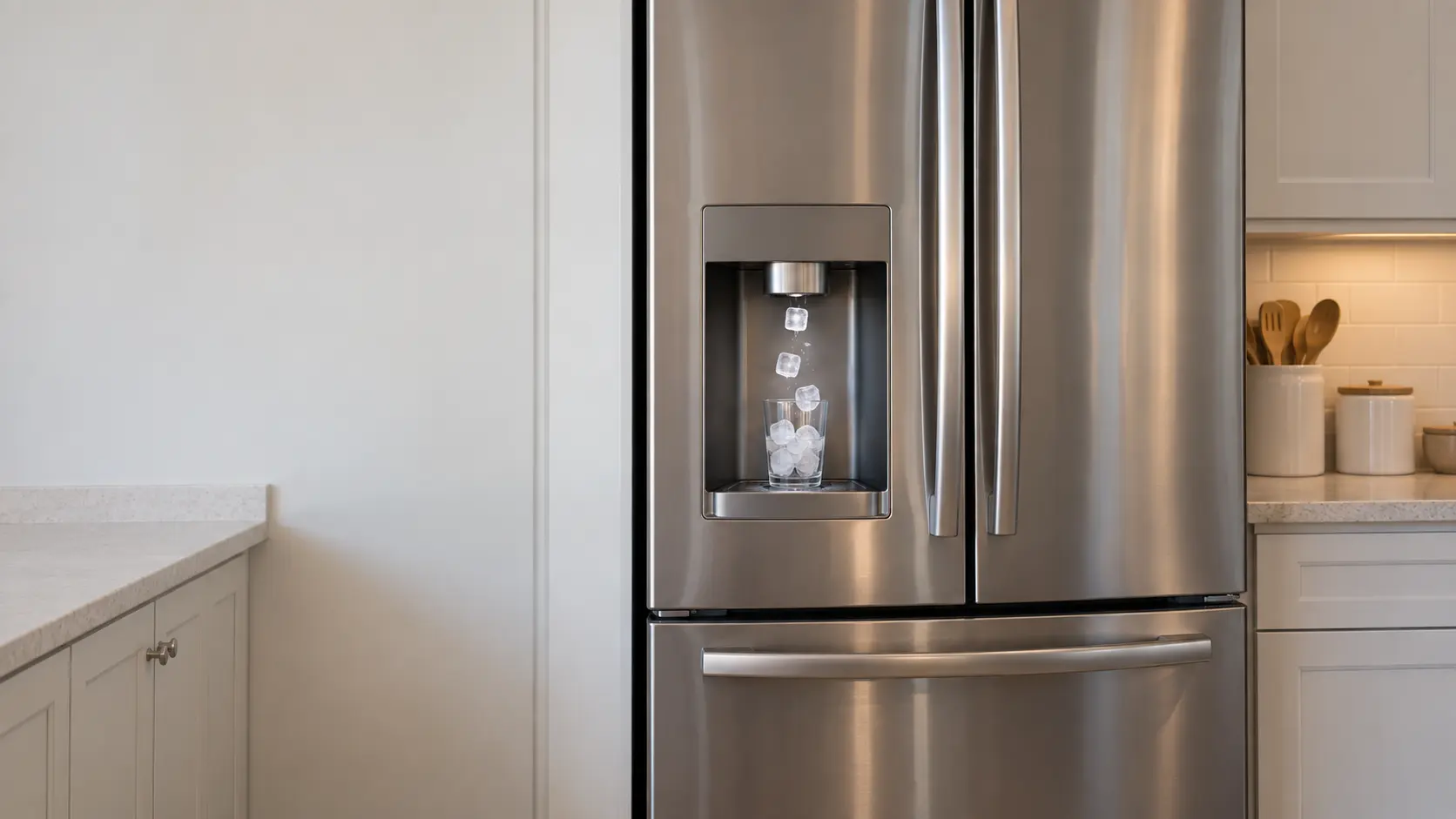
Door ice maker
The ice maker that feeds the dispenser on the outside of a door: tucked into an insulated box in the left door of a French door model, or at the top of the freezer side of a side-by-side, with a chute and an auger carrying cubes to your glass.
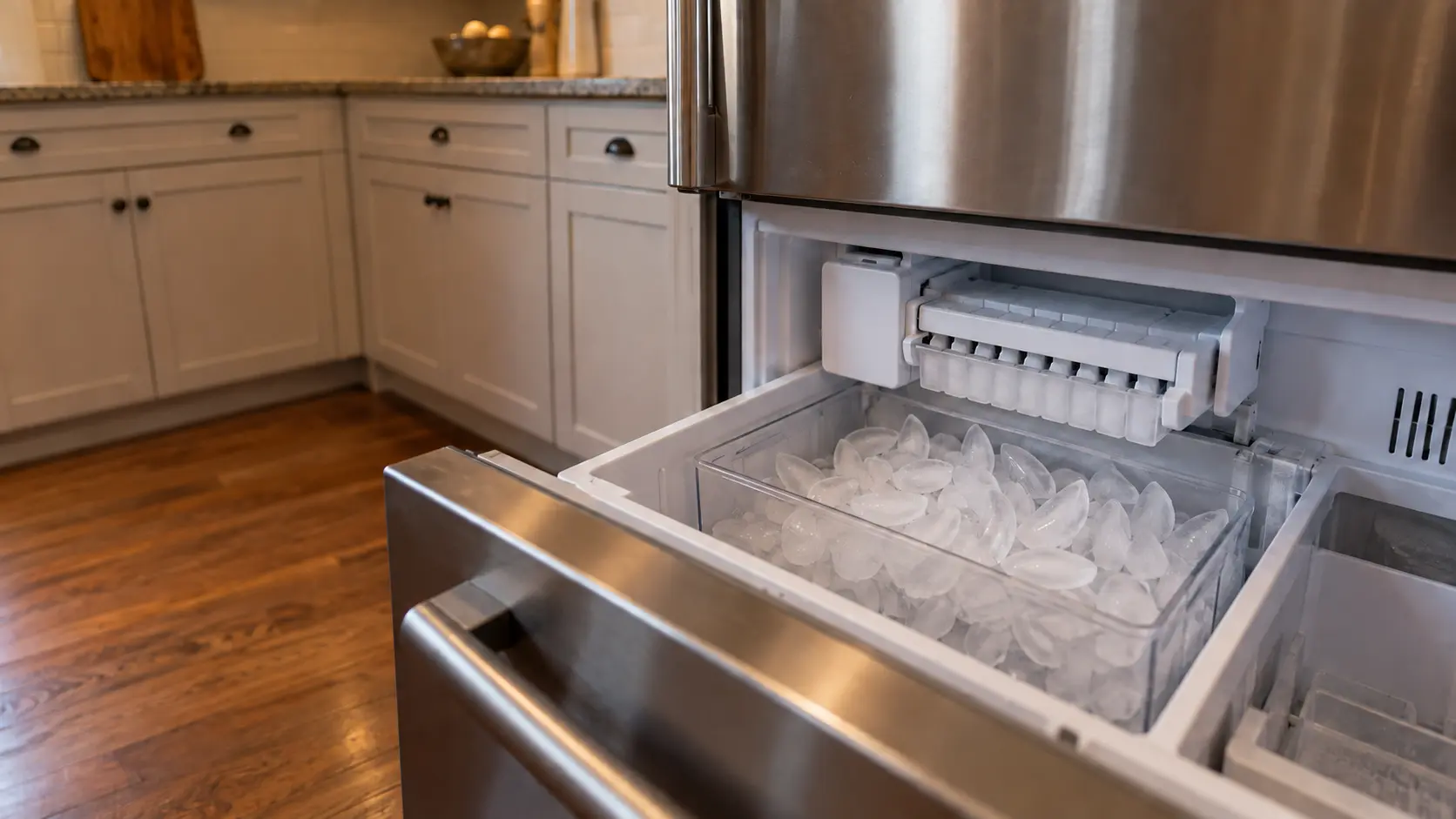
Freezer ice maker
The ice maker that sits inside the freezer compartment itself, a tray that twists or a mold with a heater and an ejector, dropping cubes into a bin or drawer you open by hand, with no dispenser on the door.
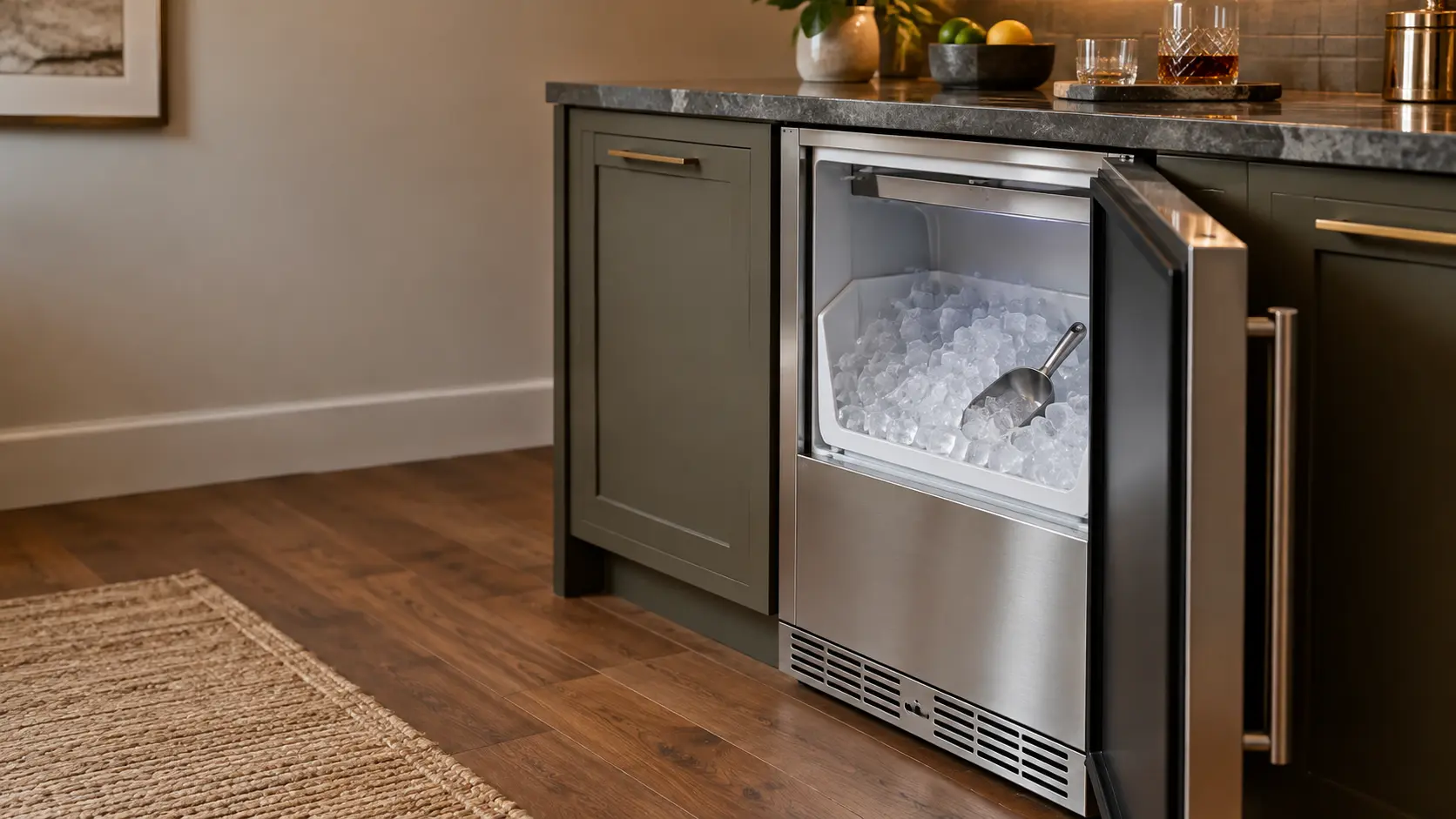
Undercounter ice maker
A built-in residential ice maker that lives under a kitchen, bar or basement counter, making clear cubes or chewable nugget ice on its own cooling system, with a water line in and a gravity drain or a small drain pump out.
In KitchenAid's own words
The words “REPLACE FILTER” and “HOLD BUTTON TO RESET” will appear on the display screen
Every code on this site is taken from the manufacturer's documentation, never from a forum or a parts listing. KitchenAid built-in side-by-side models (owner's manual W11310952A).
KitchenAid REPLACE FILTER / HOLD BUTTON TO RESET ice maker repair,
where we come out.
The same visit in every metro below: the code, the model number, and a diagnosis before any part is ordered.
All service areasTampa BayFL · 31 areas
Miami / South FloridaFL · 47 areas
New York MetroNY · 75 areas
HoustonTX · 36 areas
ChicagoIL · 50 areas
Los AngelesCA · 95 areas
San DiegoCA · 31 areas

Questions
about REPLACE FILTER / HOLD BUTTON TO RESET.
Can I clear REPLACE FILTER / HOLD BUTTON TO RESET myself?
How do I clear REPLACE FILTER on a KitchenAid built-in?
Does the KitchenAid REPLACE FILTER message stop the ice maker?
Where does the ice come from on a KitchenAid built-in side-by-side?
Back to your everyday
Still showing REPLACE FILTER / HOLD BUTTON TO RESET?
Book with the code or the blink pattern written exactly as the ice maker shows it, the full model number, and whether there is any water on the floor — when there is a code, that is where the diagnosis starts.