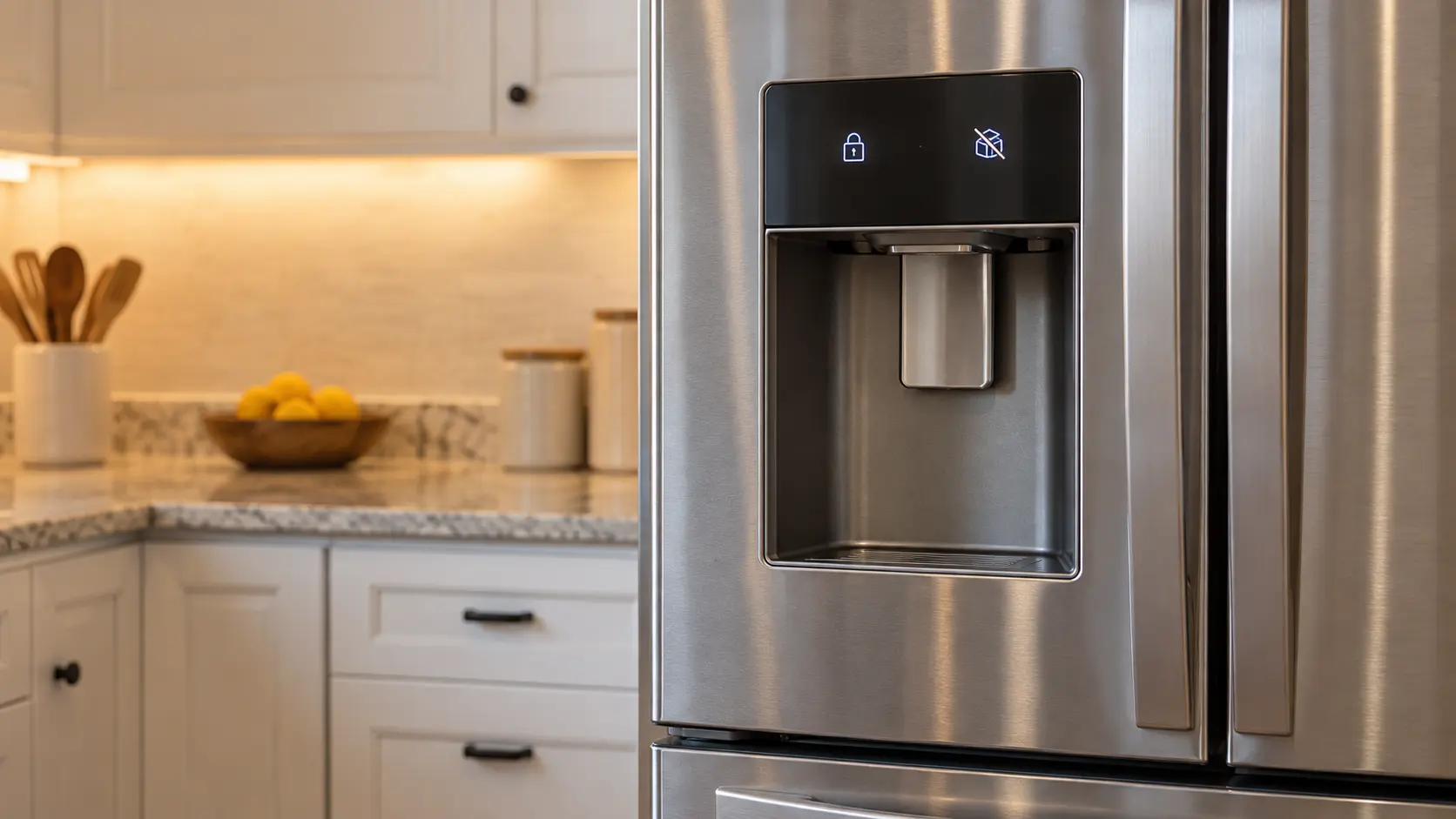
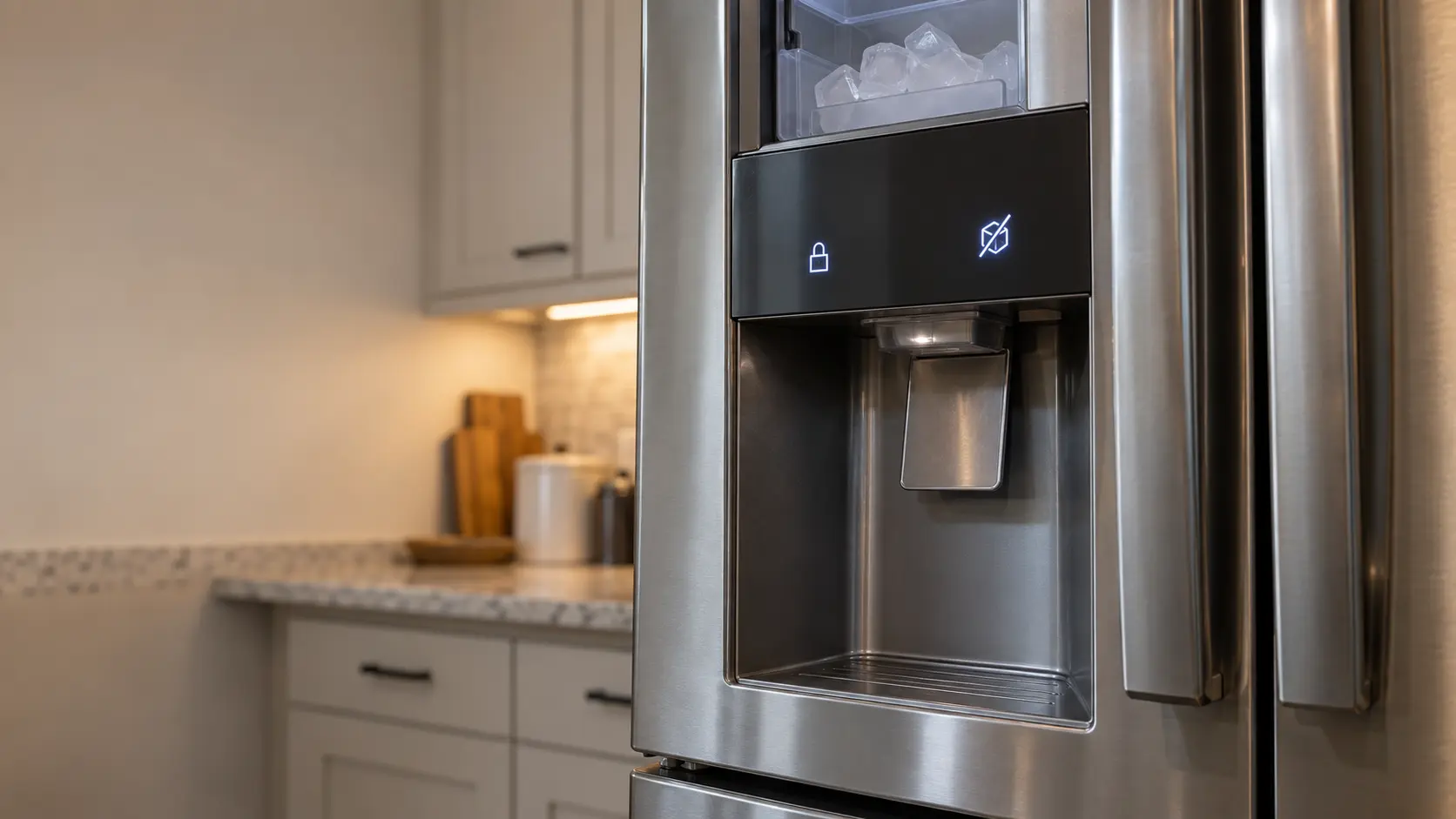

Samsung ice panel with Ice Off blinking
A blinking Ice Off light is Samsung's way of saying the ice bucket is missing or not pushed fully into place.
Mon–Sat, 8am–8pm
- Mode, not a failure
- No repair needed
- Source: Samsung
Book a visit
Three short steps, about a minute.
or call (844) 773-0701
Loading appointment form…
The appointment form couldn’t load. Please try again.
What Ice Off blinking
actually means.
A blinking Ice Off light is Samsung's way of saying the ice bucket is missing or not pushed fully into place. The ice maker holds production until the bucket is detected, so nothing is broken.
Samsung ice maker display
What to do when Ice Off blinking shows on the ice makerKind of codeMode, not a failure
Something the ice maker was switched into, often without anyone noticing, rather than something that broke: ice turned off from the panel or by the wire arm lifted while reaching into the bin, a control lock, a Sabbath setting, a cleaning cycle still running, a reminder that the water filter is due. No part has worn out, and the ice maker's own buttons or arm put it right.
Usually leads toNo repair
Pull the ice bucket out and check for loose cubes or frost on the rails behind it.
Shows up asIce Maker Light Flashing
An ice maker light flashing where it used to glow steadily: a blinking power or ice light, a flashing clean or descale symbol, an add-water light, or a status light on the ice maker itself.
MakeSamsung
Samsung ice maker repair, with the door ice maker, the dispenser and the water line in scope.
SourceSamsung error codes page
Samsung models with an Ice Off indicator on the panel.
Before you book,
in this order.
Each step comes from Samsung's own guidance for Ice Off blinking on its ice makers. Follow it to the end: the last card says whether this is a visit.
Pull the ice bucket out and check for loose cubes or frost on the rails behind it.
Slide the bucket straight back in until it seats fully.
If the light keeps blinking with the bucket in place, book a visit to check the bucket switch.
Cleared?
The ice maker is filling and dropping cubes again and no part was needed. If the same code returns during the next harvest, or water shows up on the floor again, book it as a new problem.
What not to do
Ice Off blinking is not a sign that the ice maker has failed. It also does not mean ice production was switched off on purpose; a steady Ice Off light is the setting, while a blinking one is about the bucket.
What you may
notice with it.
The ice maker problems Ice Off blinking tends to arrive with. Answer these at the ice maker before anyone is booked.
All problems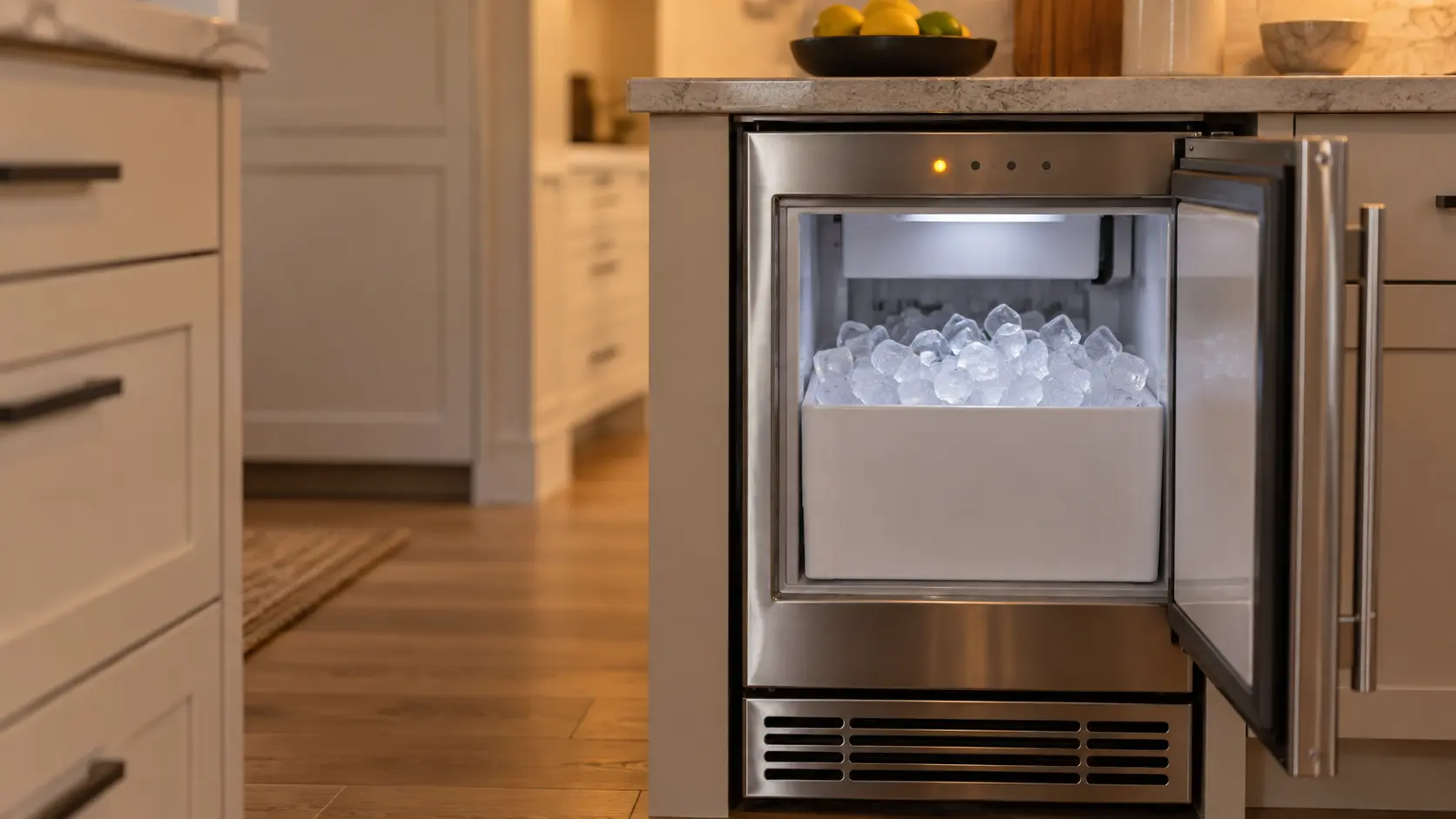
Ice Maker Light Flashing
6 causes, cheapest first
No repair indicated
Nothing to repair.
Something the ice maker was switched into, often without anyone noticing, rather than something that broke: ice turned off from the panel or by the wire arm lifted while reaching into the bin, a control lock, a Sabbath setting, a cleaning cycle still running, a reminder that the water filter is due. No part has worn out, and the ice maker's own buttons or arm put it right.
Samsung
ice makers.
Samsung ice maker repair, with the door ice maker, the dispenser and the water line in scope.
Samsung ice maker repairMore Samsung codes
Mode, not a failure on other makes
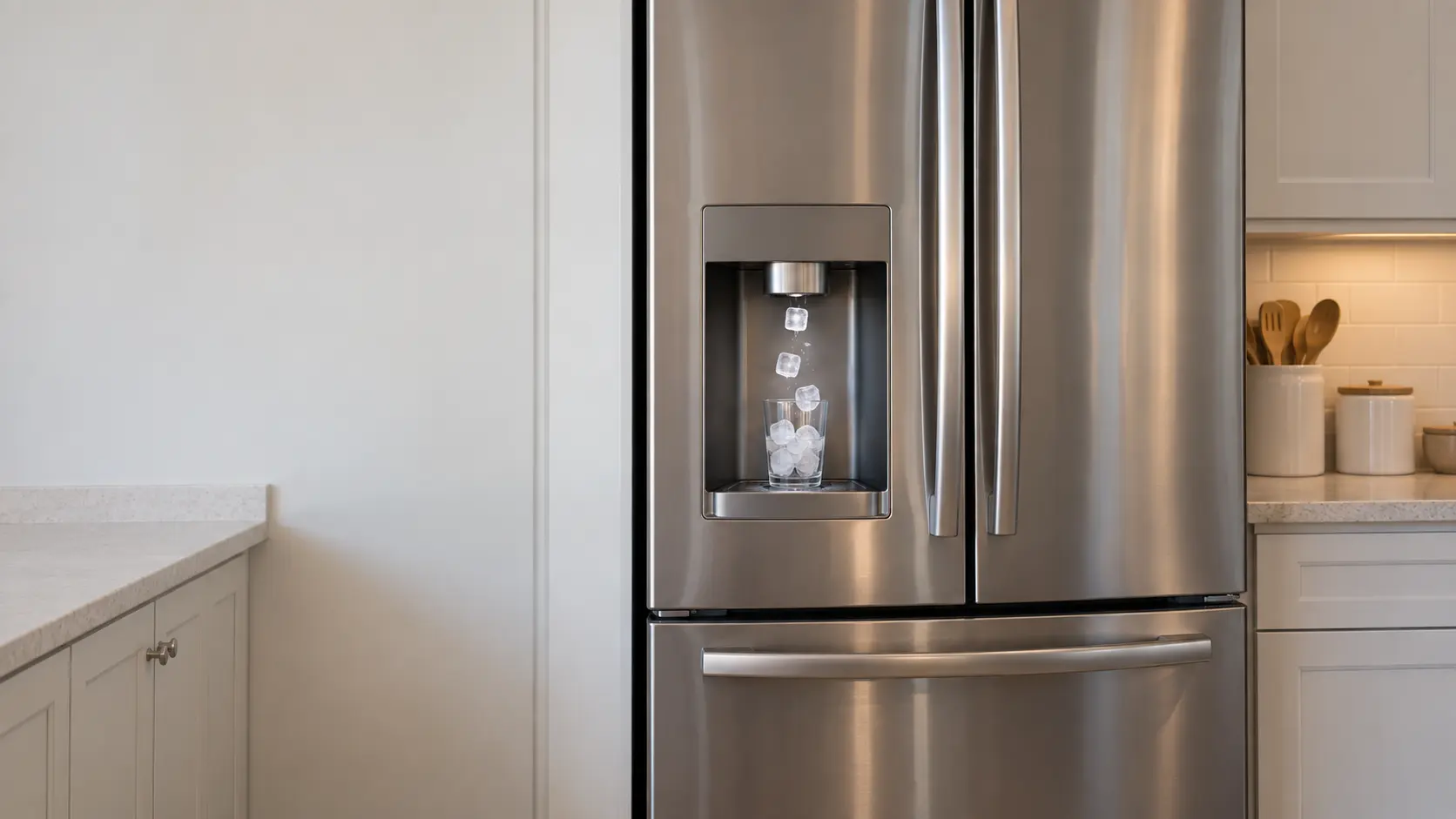
Door ice maker
The ice maker that feeds the dispenser on the outside of a door: tucked into an insulated box in the left door of a French door model, or at the top of the freezer side of a side-by-side, with a chute and an auger carrying cubes to your glass.
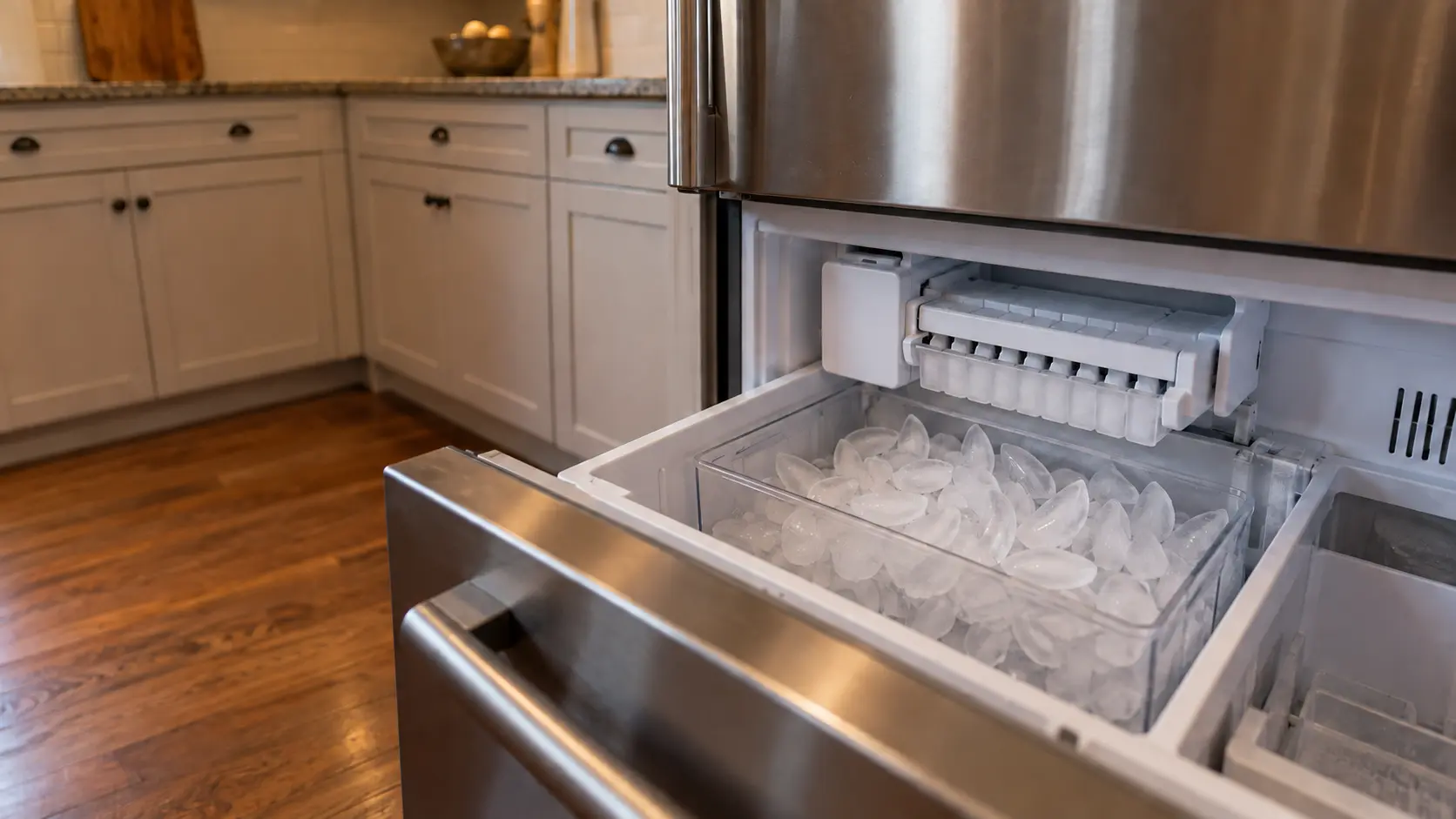
Freezer ice maker
The ice maker that sits inside the freezer compartment itself, a tray that twists or a mold with a heater and an ejector, dropping cubes into a bin or drawer you open by hand, with no dispenser on the door.
In Samsung's own words
This means that the ice bucket is not inserted correctly or is not inserted at all.
Every code on this site is taken from the manufacturer's documentation, never from a forum or a parts listing. Samsung models with an Ice Off indicator on the panel.
Samsung Ice Off blinking ice maker repair,
where we come out.
The same visit in every metro below: the code, the model number, and a diagnosis before any part is ordered.
All service areasTampa BayFL · 31 areas
Miami / South FloridaFL · 47 areas
New York MetroNY · 75 areas
HoustonTX · 36 areas
ChicagoIL · 50 areas
Los AngelesCA · 95 areas
San DiegoCA · 31 areas

Questions
about Ice Off blinking.
Can I clear Ice Off blinking myself?
Why does Ice Off keep blinking on my Samsung after I cleaned the ice bucket?
Can frost behind the Samsung ice bucket cause Ice Off to blink?
Does a blinking Ice Off on a Samsung mean the ice maker is broken?
Back to your everyday
Still showing Ice Off blinking?
Book with the code or the blink pattern written exactly as the ice maker shows it, the full model number, and whether there is any water on the floor — when there is a code, that is where the diagnosis starts.