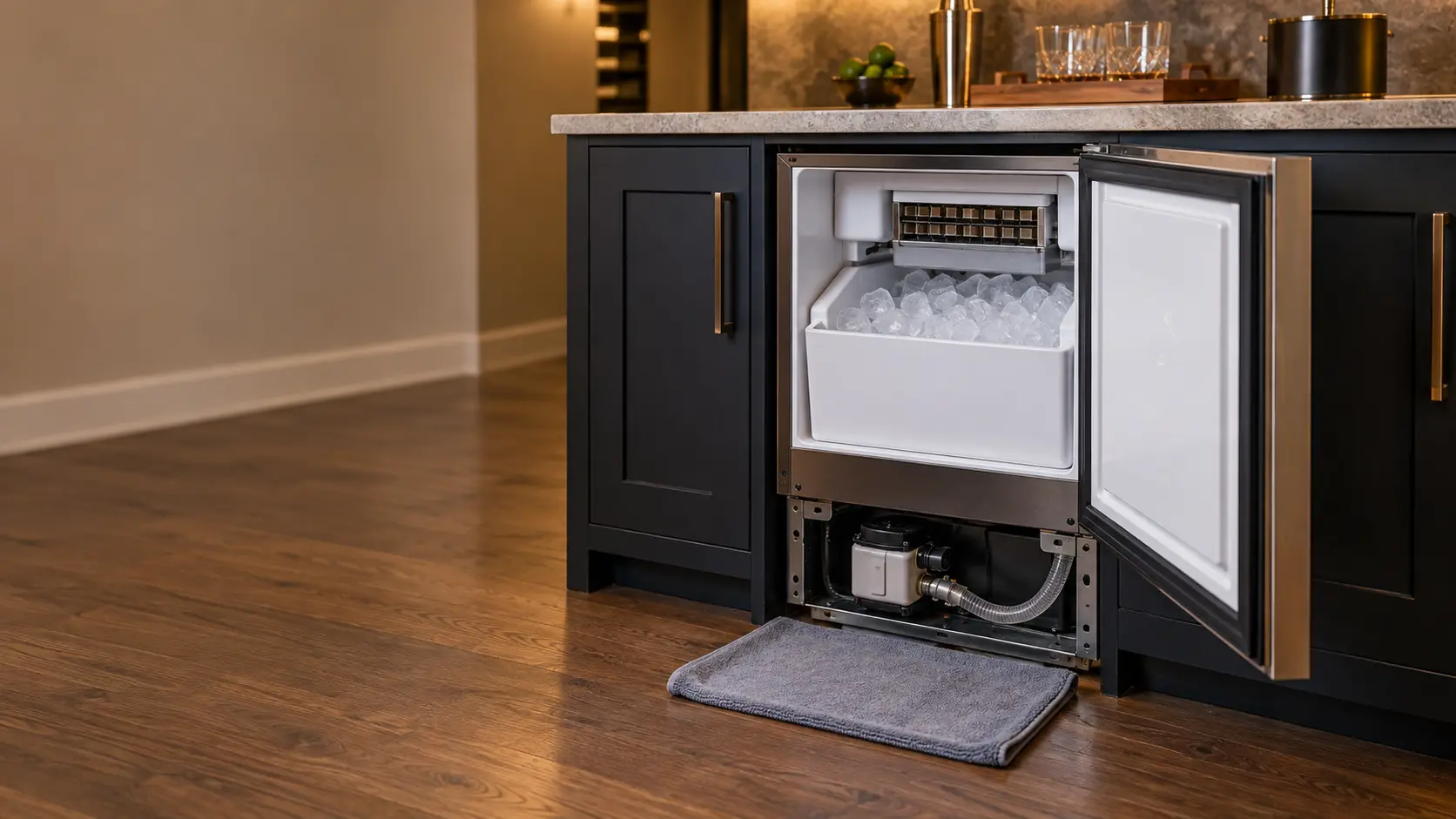
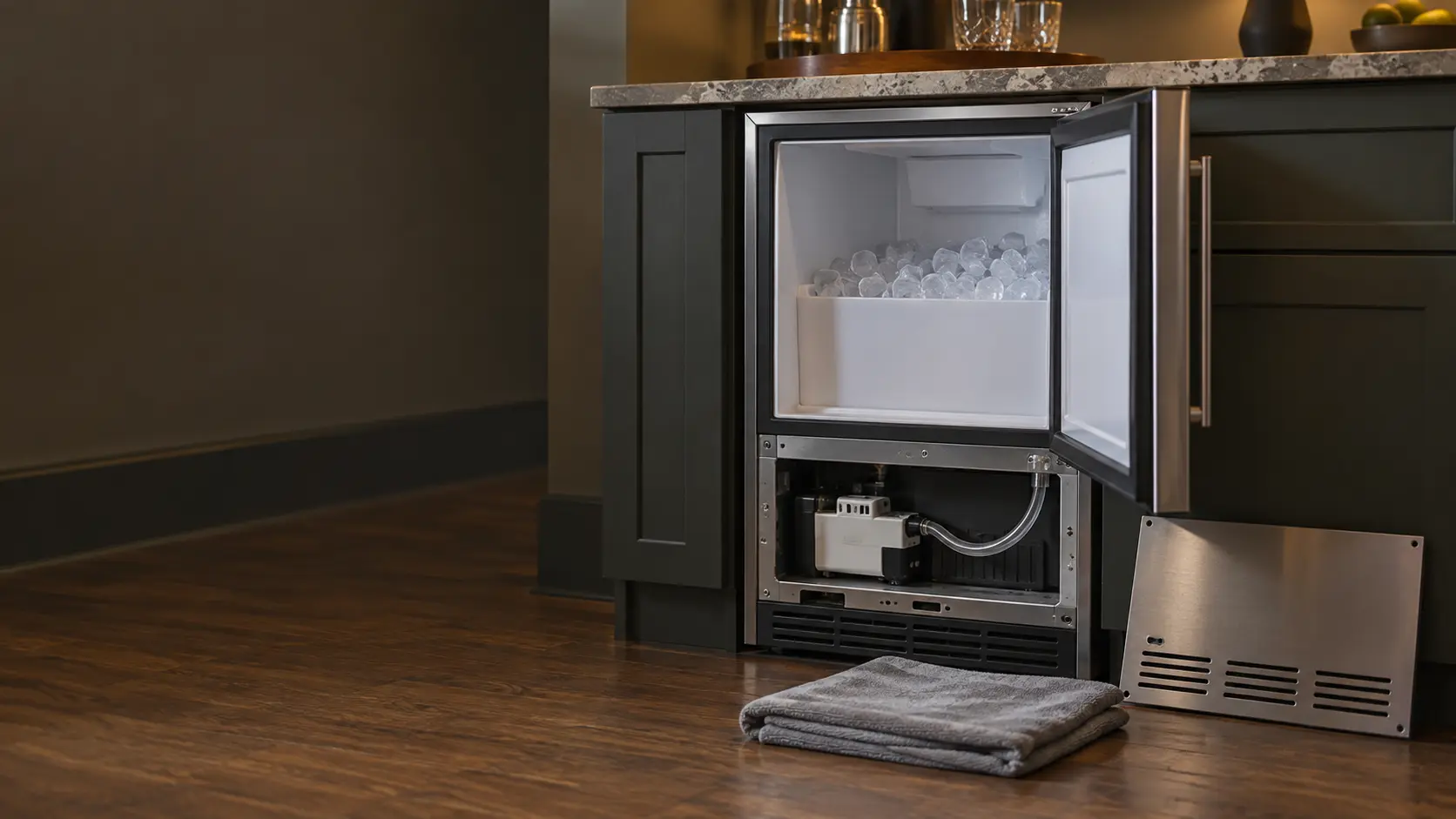

True clear ice maker
showing drn Err
On True's 15-inch clear ice models, drn alternating with Err is the drain time alarm: the drain did not clear within 5 minutes of the pump running.
Mon–Sat, 8am–8pm
- Drain and pump
- Drain pump and drain line repair
- Source: True Residential
Book a visit
Three short steps, about a minute.
or call (844) 773-0701
Loading appointment form…
The appointment form couldn’t load. Please try again.
What drn Err
actually means.
On True's 15-inch clear ice models, drn alternating with Err is the drain time alarm: the drain did not clear within 5 minutes of the pump running. True points to a clogged or kinked drain line or a failed drain pump, and the control shuts off the water supply and cuts power to the unit while the alarm stands.
True Residential ice maker display · also shown as drn, drn oFF
What to do when drn Err shows on the ice makerKind of codeDrain and pump
An undercounter ice maker could not get rid of its meltwater or its rinse water: the drain pump did not run, its float stuck, or the drain line is blocked, kinked or frozen. Water backing up inside can spill onto the floor, so the water supply is closed before anything else, then the line and the pump are cleared or replaced.
Usually leads toDrain pump and drain line repair
The drain that carries meltwater and unused water out of a built-in ice maker, whether by gravity or with a small pump, cleared, re-routed or given a new pump when water stands in the bin or spills out of the door.
Shows up asUndercounter Ice Maker Not Draining
An undercounter ice maker not draining leaves standing water in the bottom of the bin, turns cubes into a slushy layer, smells musty, or shows a drain light.
MakeTrue Residential
True Residential undercounter ice maker repair, from a slow harvest to water that will not drain.
SourceTrue 15-inch TRUE ICE (TUI-15-D) install guide, Electronic Display Codes (true-caliber.com PDF)
True Residential 15-inch clear ice models (TUI-15-D, and the ADA-height TUIADA-15-D). The letters are read from the display images in True's guide and quick reference sheet; the display alternates the two words.
Before you book,
in this order.
Each step comes from True Residential's own guidance for drn Err on its ice makers. Follow it to the end: the last card says whether this is a visit.
Look for water in the bin and on the floor and wipe it up; keep clear of the outlet if water has reached it.
Follow the drain hose from the back of the unit and straighten any kink or low loop, and check that the drain it empties into is not blocked.
If drn Err returns after the line is clear, book a visit to test the drain pump.
Still there?
It usually turns into drain pump and drain line repair. Book with the code and the model number.
What not to do
drn Err is not a water supply problem. Water got in; the drain pump could not get it out in time.
What you may
notice with it.
The ice maker problems drn Err tends to arrive with. Answer these at the ice maker before anyone is booked.
All problems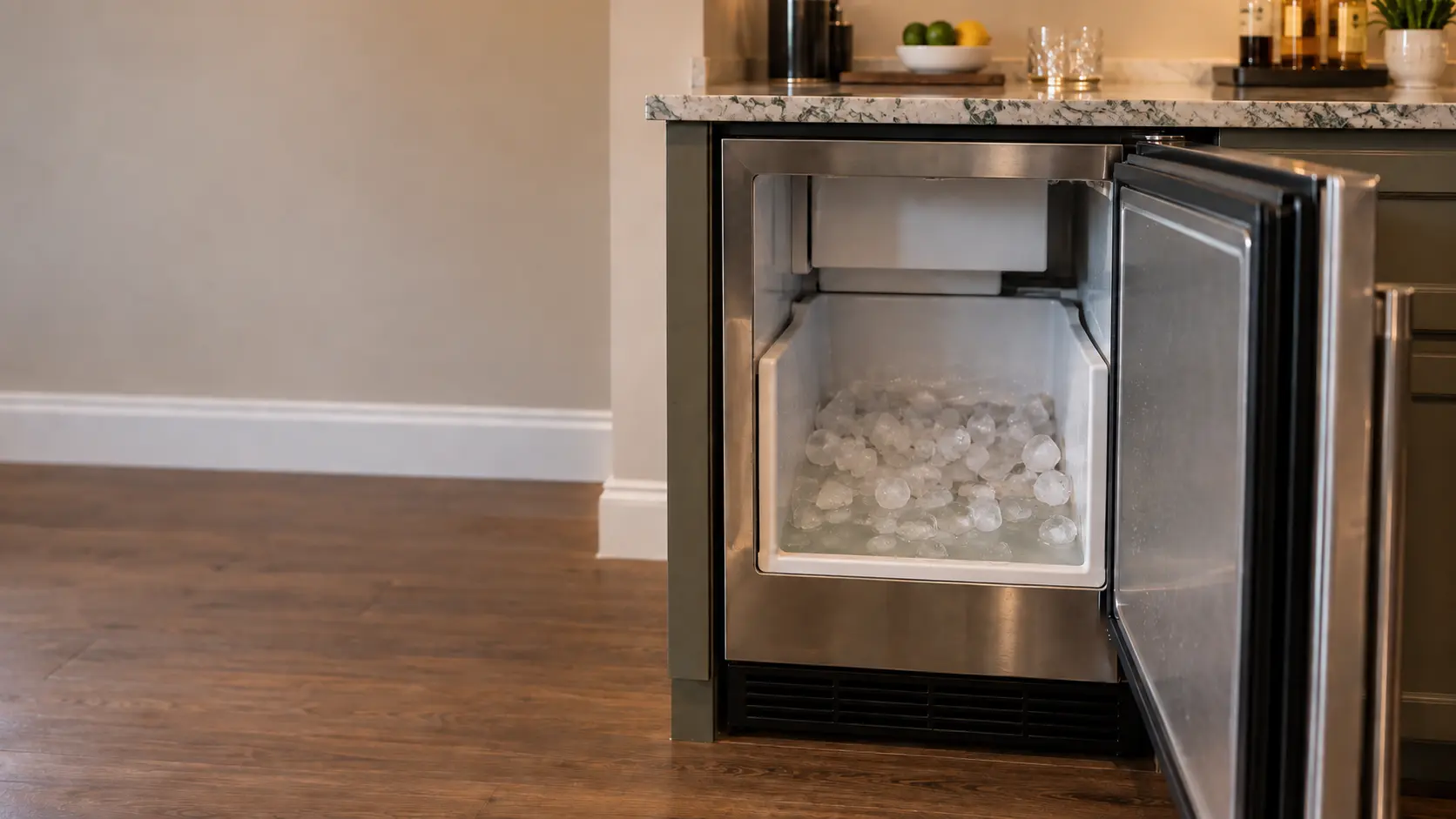
Where drn Err usually leads
Drain pump and drain line repair.
True Residential
ice makers.
True Residential undercounter ice maker repair, from a slow harvest to water that will not drain.
True Residential ice maker repair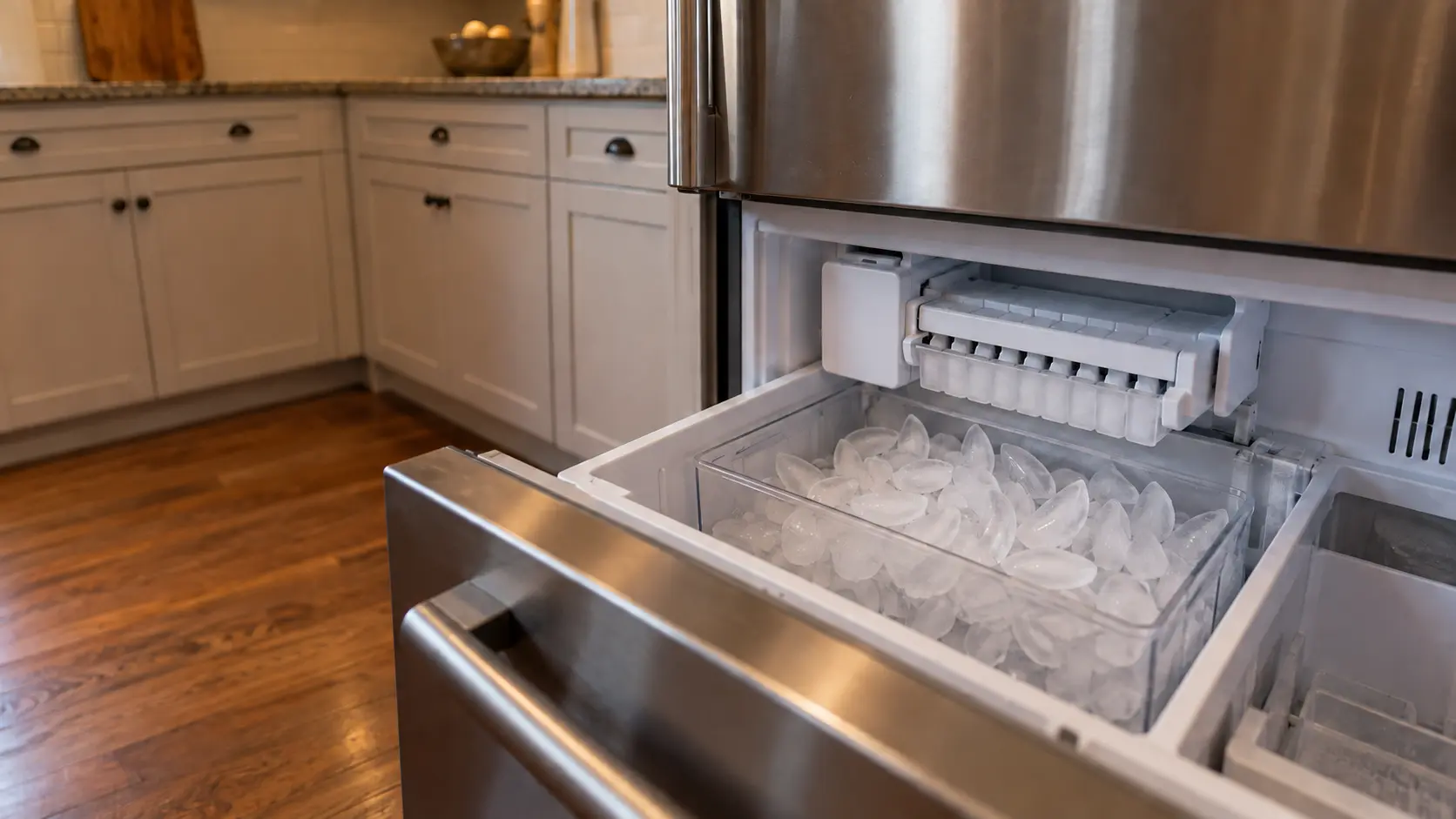
Freezer ice maker
The ice maker that sits inside the freezer compartment itself, a tray that twists or a mold with a heater and an ejector, dropping cubes into a bin or drawer you open by hand, with no dispenser on the door.
Undercounter ice maker
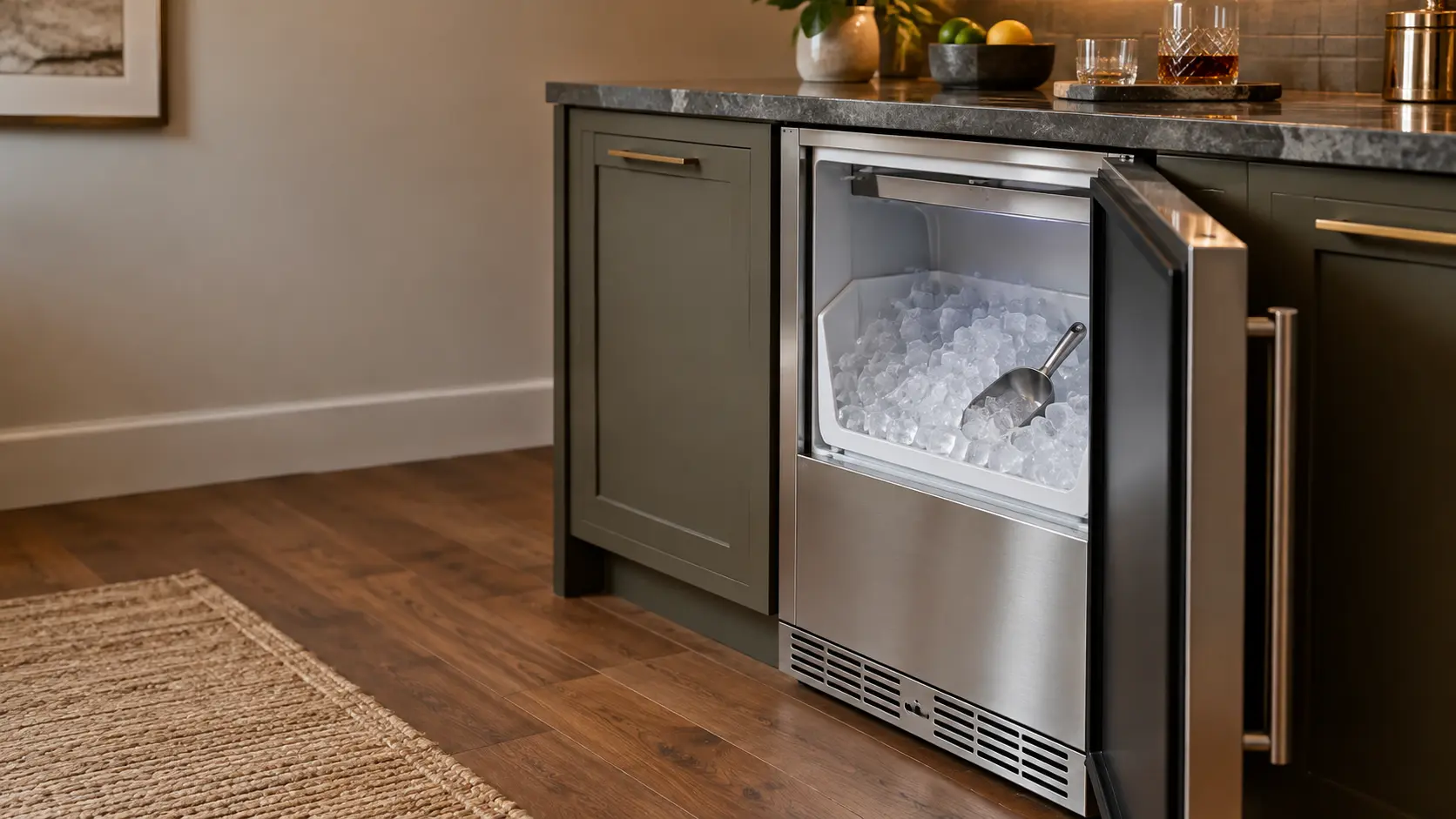
A built-in residential ice maker that lives under a kitchen, bar or basement counter, making clear cubes or chewable nugget ice on its own cooling system, with a water line in and a gravity drain or a small drain pump out.
In True Residential's own words
the display will show drn Err to signal a clogged /
Every code on this site is taken from the manufacturer's documentation, never from a forum or a parts listing. True Residential 15-inch clear ice models (TUI-15-D, and the ADA-height TUIADA-15-D). The letters are read from the display images in True's guide and quick reference sheet; the display alternates the two words.
True Residential drn Err ice maker repair,
where we come out.
The same visit in every metro below: the code, the model number, and a diagnosis before any part is ordered.
All service areasTampa BayFL · 31 areas
Miami / South FloridaFL · 47 areas
New York MetroNY · 75 areas
HoustonTX · 36 areas
ChicagoIL · 50 areas
Los AngelesCA · 95 areas
San DiegoCA · 31 areas

Questions
about drn Err.
Can I clear drn Err myself?
What does drn Err mean on my True ice maker?
Why did my True ice maker switch itself off with drn on the display?
What does drn followed by oFF mean on a True?
Back to your everyday
Still showing drn Err?
Book with the code or the blink pattern written exactly as the ice maker shows it, the full model number, and whether there is any water on the floor — when there is a code, that is where the diagnosis starts.